P·17 · Machine Learning
Walking Through a Photograph
One handheld 360° video turned into a real-time 3D Gaussian Splat in the browser, with camera poses solved to 0.97 px from 360° footage.
At a glance
- 0.97 pxmean reprojection error, with 3,776 of 3,840 views registered (98.3%)
- 131 → 17 MBmodel size for the web, 236 to 32 bytes per Gaussian
- ~556kGaussians, rendered in real time on desktop and phone
- Where
- Personal project
- Role
- Sole developer
- Team
- Solo
- Status
- Complete
- 3D Gaussian Splatting
- COLMAP
- Structure from Motion
- Brush (Rust / wgpu)
- Python
- three.js
- Camera calibration and projection
The problem
I wanted a photoreal, explorable capture of a real interior (the ground floor of a house in the Netherlands) that runs in a browser on a laptop or a phone. The input was one handheld walkthrough on an Insta360 X2: 5760 × 2880 equirectangular video, about 2 minutes 37 seconds long.
3D Gaussian Splatting represents a scene as hundreds of thousands of small, semi-transparent, colored 3D blobs. An optimizer adjusts each blob’s position, size, orientation, color and opacity until the cloud, rendered from the original camera positions, reproduces the source images. It renders in real time and keeps soft light and reflections that a textured mesh tends to flatten.
Three constraints made this hard:
| Constraint | Why it hurt |
|---|---|
| One 360° camera, one pass | every solver in this space expects pinhole cameras, and the camera was moving, so motion blur was in play |
| A laptop GPU with 8 GB of VRAM | the reference splatting code needs a CUDA workstation and a compiled CUDA toolchain |
| Must run on a phone | the result could not be a 130 MB desktop-only download |
Approach
Eight stages take the video to a real-time splat:
- Extract frames at about 5 fps. More is redundant; fewer risks gaps the solver can’t bridge.
- Select keyframes: keep a sharp, well-spaced subset of about 320, since blurry frames poison feature matching.
- Mask the nadir: the bottom of each frame shows the hand and selfie stick, which move with the camera, so I mask the bottom 42% out.
- Dewarp to perspective: re-project each keyframe into 12 overlapping 90° pinhole views at 1536 × 1536, turning 320 keyframes into 3,840 images that Structure from Motion can use.
- Structure from Motion in COLMAP: recover camera poses and a sparse point cloud of 134,268 points.
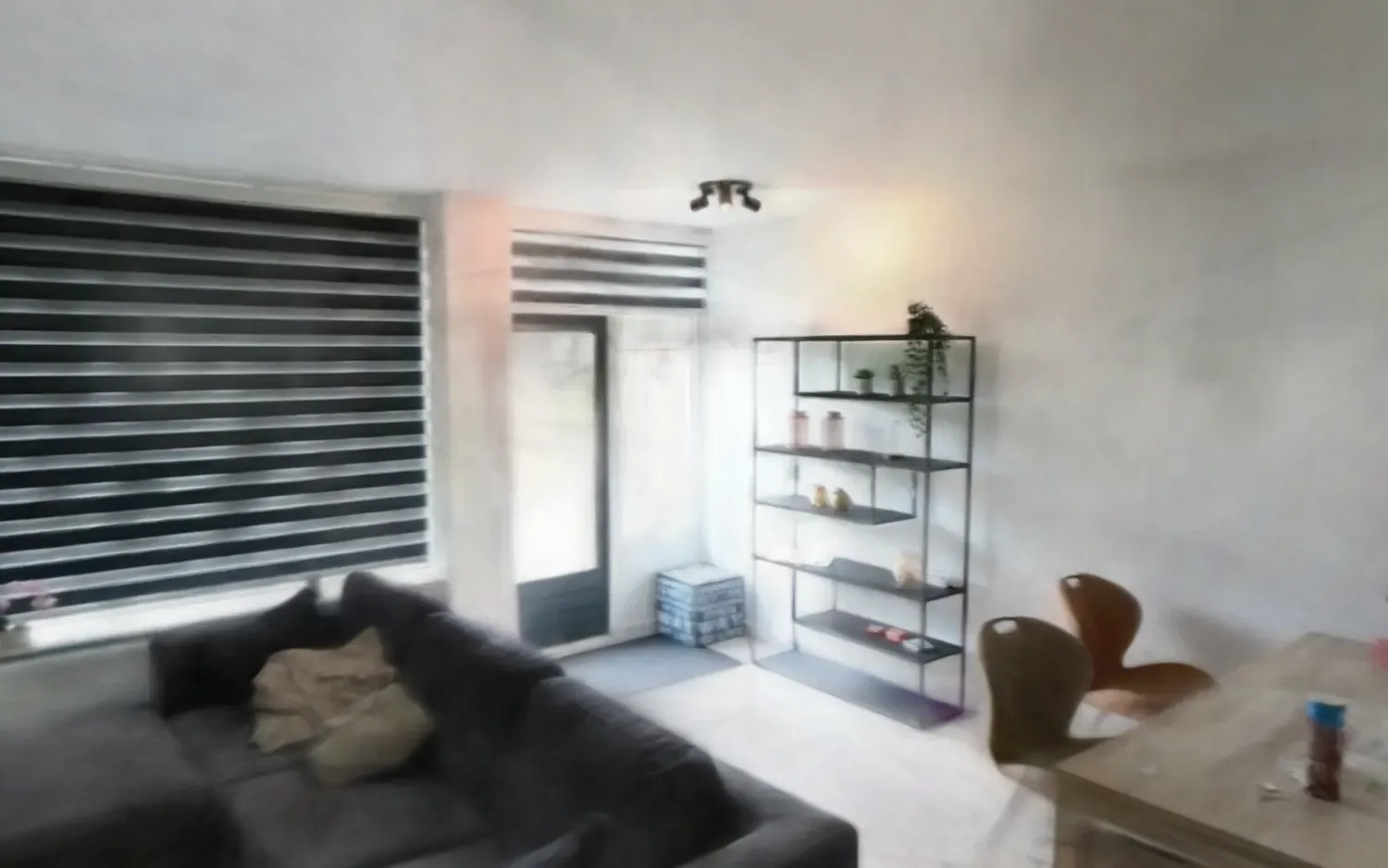
- Train the Gaussians in Brush: start one Gaussian at each sparse point and run gradient descent, splitting, cloning and pruning, until about 556,000 Gaussians reproduce the room.
- Recover the up-axis, because COLMAP has no notion of gravity.
- Quantize and repack for the web, rendered in a three.js viewer that works on touch.
Decisions that mattered
Solve the cameras once. A 360° rig captures many overlapping views from the same physical point. A naive solver sees almost no parallax between them, decides the camera barely moved, and collapses the trajectory. I solved the camera geometry once in COLMAP, verified it at 0.97 px, and handed those poses to the trainer as ground truth. I rejected any tool that insisted on re-estimating them.
Brush instead of the reference trainer. The reference Gaussian Splatting code needs CUDA. Brush, written in Rust on wgpu, runs the same optimization on any modern GPU. It is slower, but it ran on my 8 GB laptop GPU.
Finding “down” from the cameras. The cameras were held roughly upright by a person walking, so the true up-axis is close to the average of all 3,776 cameras’ up-vectors. That average lands almost exactly opposite gravity, with the small lean you would expect from handheld footage, and the viewer uses it so the room stands level.
236 bytes to 32 bytes per Gaussian. Each trained Gaussian carries position, scale, rotation, opacity and 48 spherical-harmonic coefficients for view-dependent color. For the web I dropped the higher color bands and quantized the rest into a 32-byte record, about a 7× reduction, from 131 MB to a 17 MB file with byte-exact geometry. To make it render reliably on a live URL, I prefetch the whole model into a blob instead of streaming it, and I rebuilt the input layer on pointer events so a thumb can orbit, pinch and walk.
Results
| Metric | Value |
|---|---|
| Views registered by COLMAP | 3,776 of 3,840 (98.3%) |
| Mean reprojection error | 0.97 px |
| Sparse points | 134,268 |
| Gaussians | about 556,000 |
| Web model | 17 MB, down from 131 MB |
| Runtime | real time in the browser, desktop and mobile |
Limitations
- Soft detail. A 90° slice of a 5,760-pixel-wide frame carries only about 1,440 px of real detail, so fine texture reads soft. Training can’t add detail the source never recorded.
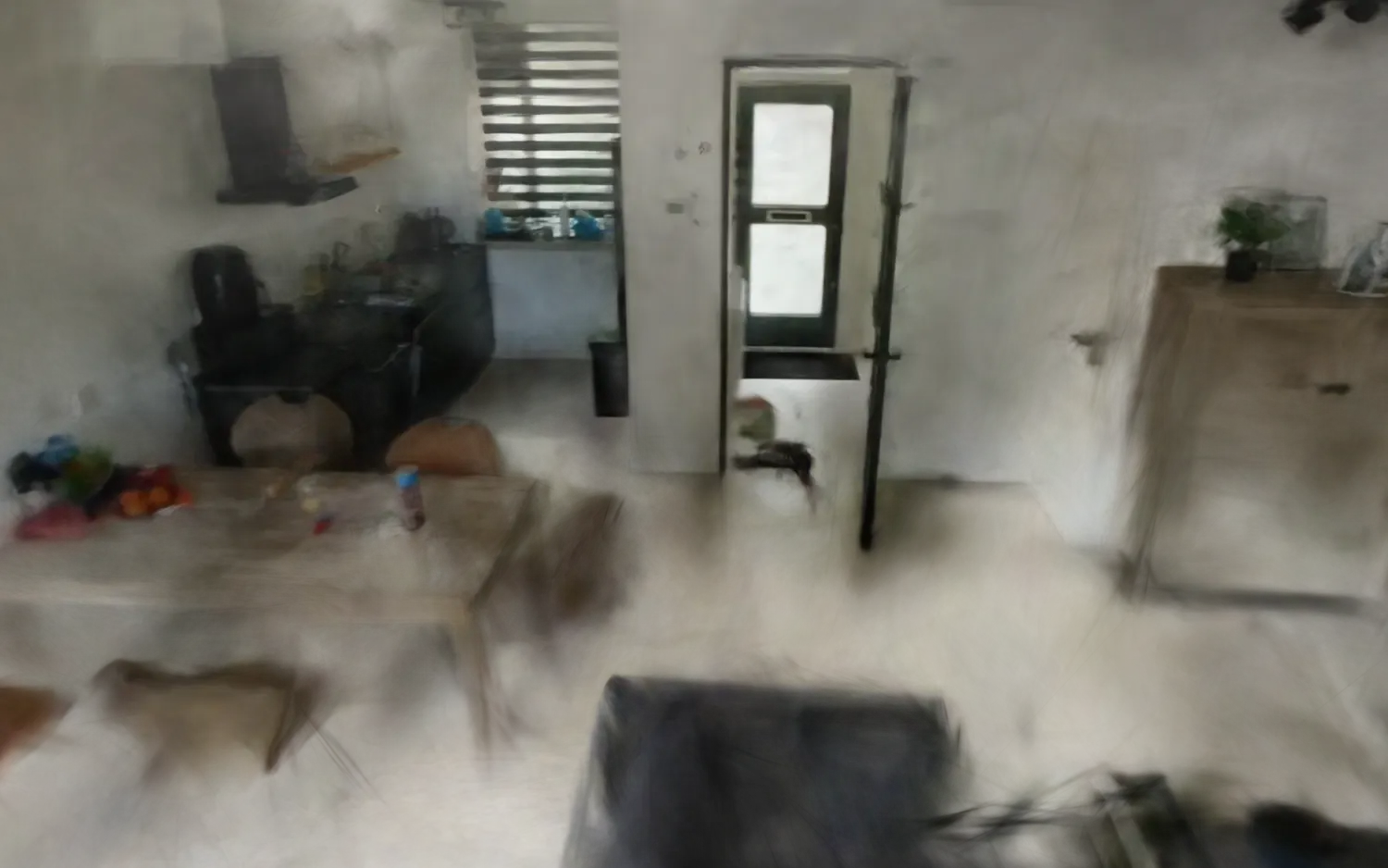
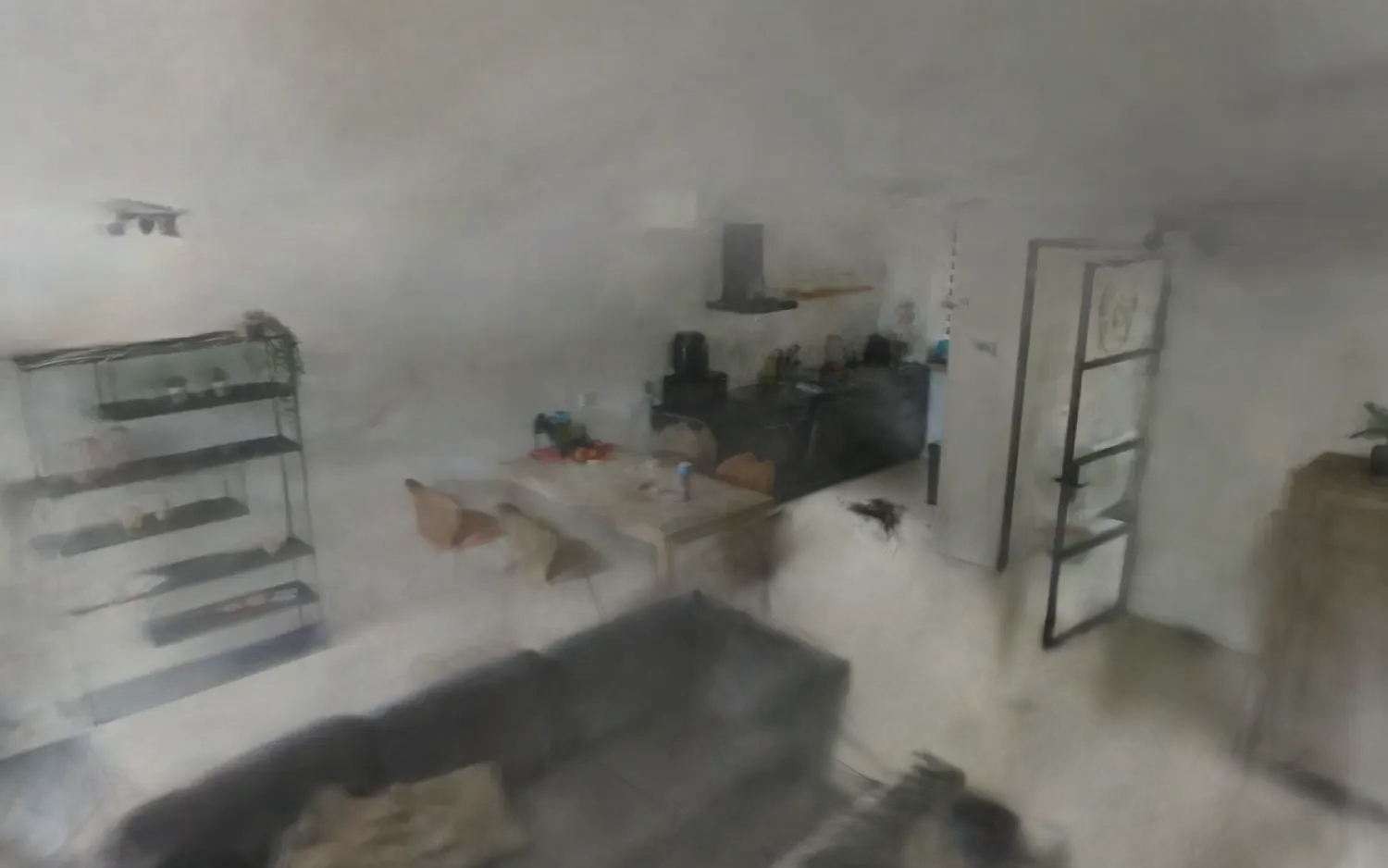
- Haze near the edges. Toward the ceiling, where the camera had few clean sightlines, stray Gaussians drift as faint haze.
- Fixed lighting. With the view-dependent color bands dropped for the web, shiny surfaces no longer shift as you move. You can move the camera, but the lighting is baked in.
My contribution
I did the whole project: I filmed the walkthrough and built every pipeline stage, the web export and the viewer, using open-source tools on consumer hardware.